
LISTED PROFILE
Cursor
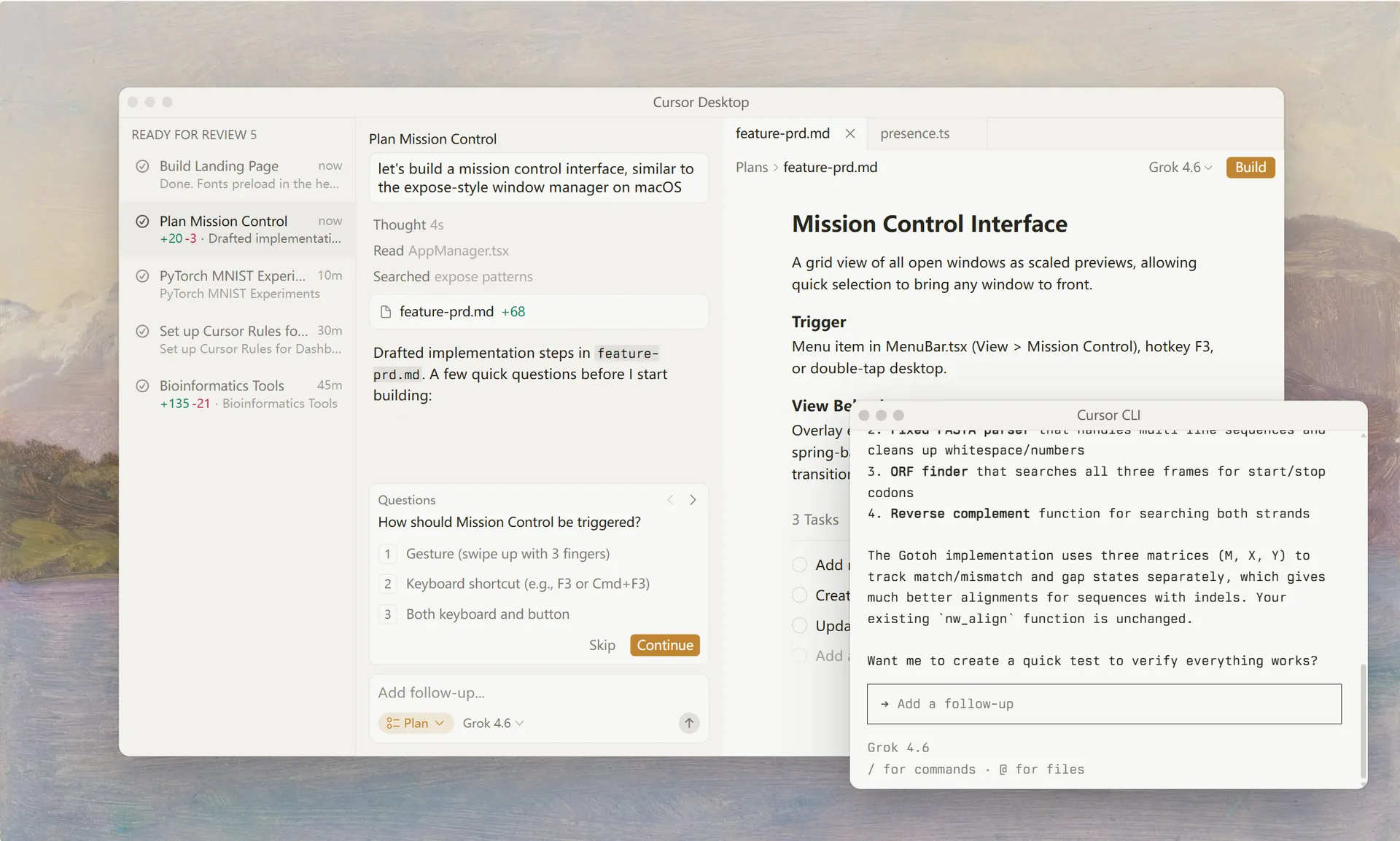
Cursor is an AI coding agent designed for planning, writing, and debugging software across multiple developer interfaces. Operating as a desktop editor, terminal CLI, and browser-based cloud agent, it automates complex coding workflows by executing file edits, running sandboxed terminal commands, searching the web, and running parallel subagents for codebase exploration. It features multi-provider LLM selection—including models from OpenAI, Anthropic, Gemini, SpaceXAI, and Cursor—and integrates with GitHub, Slack, Linear, and JetBrains IDEs.Read full overviewCollapse overview
Cursor is an AI coding agent designed for planning, writing, and debugging software across multiple developer interfaces. Operating as a desktop editor, terminal CLI, and browser-based cloud agent, it automates complex coding workflows by executing file edits, running sandboxed terminal commands, searching the web, and running parallel subagents for codebase exploration. It features multi-provider LLM selection—including models from OpenAI, Anthropic, Gemini, SpaceXAI, and Cursor—and integrates with GitHub, Slack, Linear, and JetBrains IDEs.
Last checked2026-09-29
01 — OUR TAKE
Who and what it suits
Cursor positions itself as an agentic AI coding environment capable of autonomous multi-step execution. Official product pages verify core capabilities such as Git checkpoints, codebase search, MCP, custom skills, and parallel subagent execution. Model availability spans multiple frontier AI providers. Specific pricing structures, data privacy policies, and training practices are not fully detailed in the current snapshot, leaving enterprise data-handling terms unverified. Vendor descriptions of multi-hour autonomous execution represent vendor positioning rather than independently audited benchmarks.
Best for
- Developers seeking to delegate multi-step programming tasks to AI cloud agents
- Engineering teams standardizing AI coding workflows across desktop, CLI, and team chat tools
- Software engineers who want to switch between different AI models within one coding environment
Not ideal for
- Teams requiring fully audited on-premise data privacy guarantees before official policy disclosure
- Developers looking for a lightweight, single-purpose text editor without agentic AI tooling
What stands out
- Parallel subagents that search and analyze complex codebases before applying changes
- Flexible model selection spanning OpenAI, Anthropic, Gemini, SpaceXAI, and Cursor
- Cross-platform execution across desktop app, CLI, web browser, and team tools
What to consider
- Pricing plans, subscription tiers, and free trial usage limits are unverified
- Privacy policies, data retention terms, and AI training practices are not fully disclosed
- Long-running cloud agent autonomy reflects vendor claims rather than third-party benchmark testing
Frequently asked questions
What is Cursor?
Cursor is an AI coding agent for planning, writing, and debugging software. It runs as a desktop editor, a terminal CLI, and browser-based cloud agents, and can edit files, run terminal commands, and search the web.
Which AI models can I select in Cursor?
According to the homepage, Cursor offers models from OpenAI, Anthropic, Gemini, SpaceXAI, and Cursor, including options such as Grok 4.7, GPT-5.6 Sol, and Opus 5.5.
Where can I run Cursor?
Cursor is available as a desktop app, a CLI that runs in any terminal or script, cloud agents from a browser or phone, and integrations for Slack, GitHub, Linear, and JetBrains IDEs.