
LISTED PROFILE
Descript
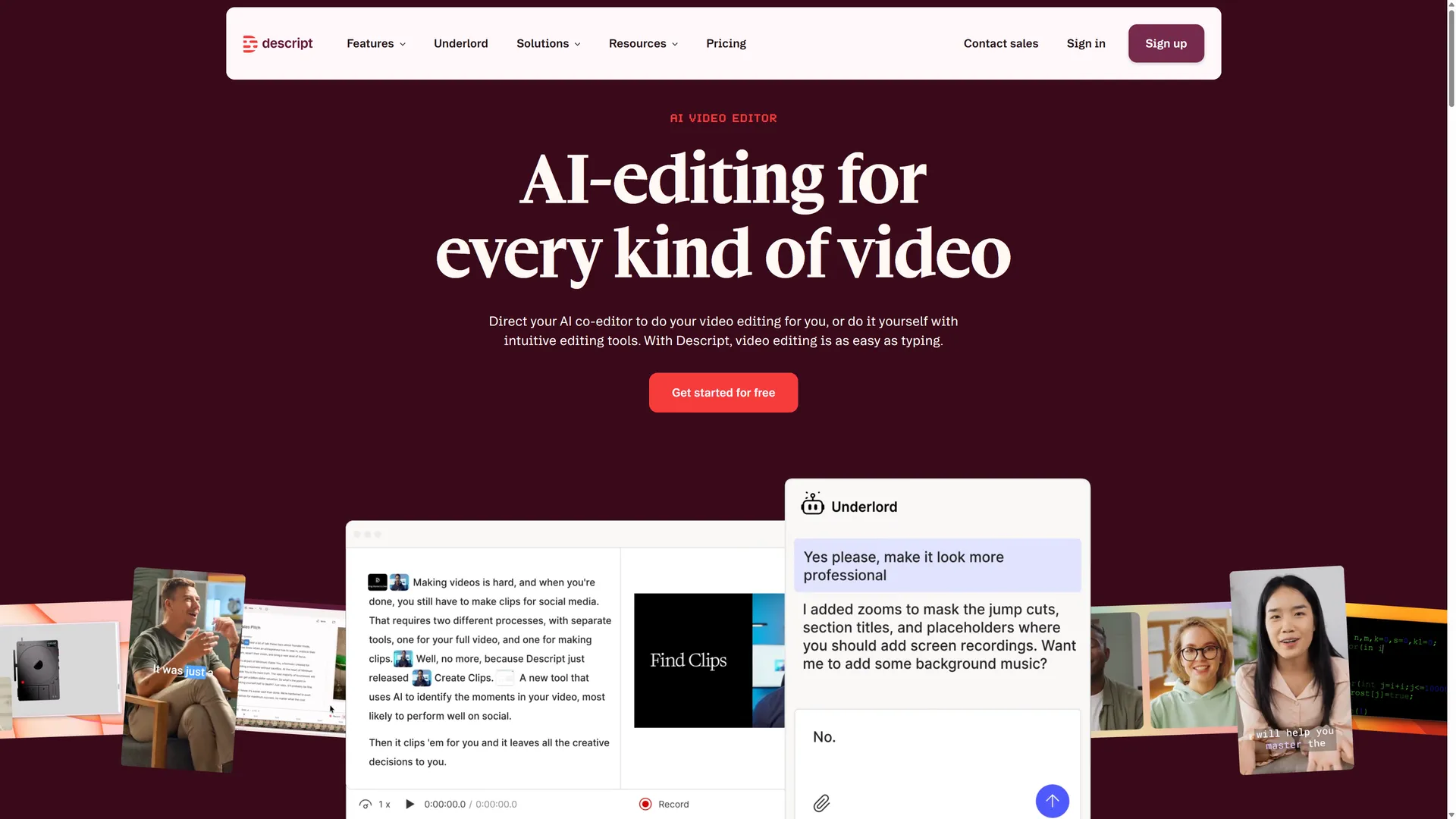
Descript is an AI-powered video and audio editor designed around transcript-based editing, allowing creators to edit media simply by editing text. Its core workflow integrates automated transcription, filler word removal, AI voice generation, Studio Sound audio enhancement, and automated captioning into a single web, Mac, and Windows workspace. A free starter plan is available with no credit card required.Read full overviewCollapse overview
Descript is an AI-powered video and audio editor designed around transcript-based editing, allowing creators to edit media simply by editing text. Its core workflow integrates automated transcription, filler word removal, AI voice generation, Studio Sound audio enhancement, and automated captioning into a single web, Mac, and Windows workspace. A free starter plan is available with no credit card required.
Last checked2026-09-20
01 — OUR TAKE
Who and what it suits
Based on official documentation, Descript functions as a full-suite AI audio and video workspace centering on document-style editing. The platform operates across Mac, Windows, and Web interfaces. According to its privacy disclosures, account information, user media, and biometric assets (such as voiceprints and face scans used for custom AI avatars and authentication) are collected. Disclosures regarding model training on user content remain unspecified.
Best for
- Podcasters, video creators, and YouTubers seeking fast script and transcript-based editing
- Marketing, sales, and support teams producing video clips, product demos, and social media shorts
- Content creators needing automated transcription, filler-word removal, and Studio Sound audio cleanup
Not ideal for
- Mobile-first creators requiring dedicated iOS or Android video editing applications
- Traditional video editors who prefer timeline-first, frame-by-frame track editing over transcript workflows
- Users with strict data governance requirements regarding cloud-hosted audio and biometric processing
What stands out
- Document-style editing interface that lets users trim video and audio by editing the transcript
- Comprehensive AI toolset featuring filler-word removal, Studio Sound audio cleanup, and auto-captions
- Cross-platform desktop and web accessibility with a free plan requiring no credit card
What to consider
- Privacy documentation does not explicitly clarify whether user media is utilized for AI model training
- Free tier usage limits and full tier feature breakdowns require checking official pricing pages
- Native mobile apps are not available; official support is limited to Mac, Windows, and Web