
LISTED PROFILE
Gemini Notebook
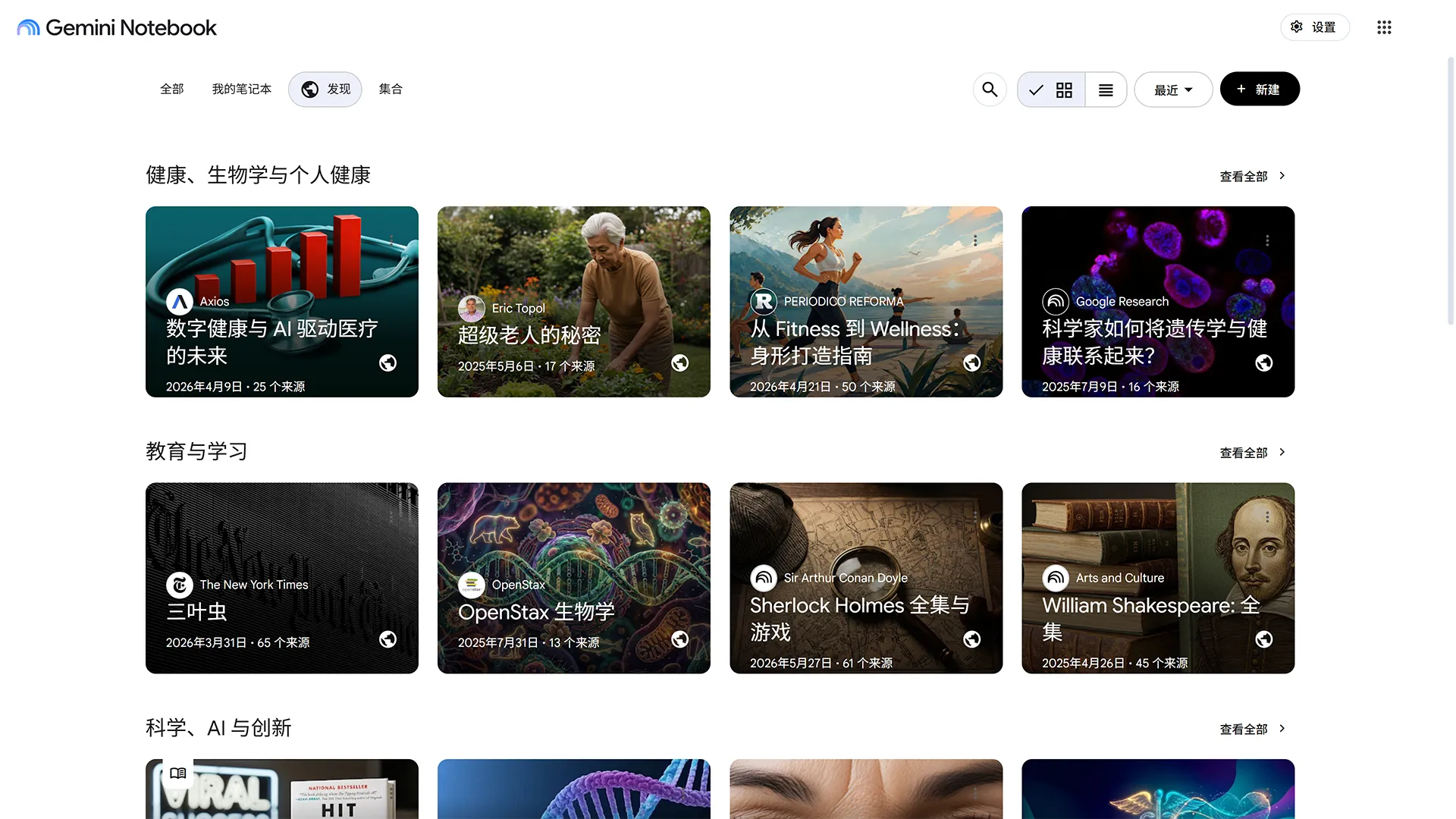
Gemini Notebook (formerly NotebookLM) is a source-grounded research and writing assistant developed by Google. Users upload documents such as PDFs, Google Docs, Slides, web URLs, YouTube videos, and audio files to build a private knowledge environment. Powered by Gemini models, it answers queries with precise inline citations referencing exact quotes, while also generating structured outputs like study guides, Audio Overviews (podcast-style deep dives), and summary outlines based strictly on the uploaded materials.Read full overviewCollapse overview
Gemini Notebook (formerly NotebookLM) is a source-grounded research and writing assistant developed by Google. Users upload documents such as PDFs, Google Docs, Slides, web URLs, YouTube videos, and audio files to build a private knowledge environment. Powered by Gemini models, it answers queries with precise inline citations referencing exact quotes, while also generating structured outputs like study guides, Audio Overviews (podcast-style deep dives), and summary outlines based strictly on the uploaded materials.
Last checked2026-09-21
01 — OUR TAKE
Who and what it suits
Google official announcements and Help Center documents confirm that NotebookLM was renamed Gemini Notebook in July 2026. The platform focuses on source-grounded analysis rather than open-ended text generation, ensuring responses remain tied to user-provided documents. According to official privacy terms, personal accounts do not use data for model training unless explicit feedback is provided, and Workspace/Education data is excluded from training entirely. While free access is provided via Google accounts, advanced limits, enterprise integrations, and app store purchase structures vary depending on plan type.
Best for
- Students and researchers organizing complex literature and requiring verified, cited answers from uploaded files.
- Content creators and auditory learners looking to convert dense documents into interactive audio summaries.
- Professionals compiling reports, meeting notes, or presentation outlines directly supported by source documents.
Not ideal for
- Users seeking general ungrounded creative writing or open-ended web browsing without specific source documents.
- Teams requiring full real-time collaborative document editing within the notebook space itself.
What stands out
- Strict source grounding with precise inline citations linking answers directly to uploaded quotes.
- Versatile input support covering PDFs, Google Drive files, YouTube links, web pages, and audio files.
- Automated conversion of sources into Audio Overviews, study guides, outlines, and structured summaries.
What to consider
- In-app purchase listings and plan tier boundaries vary depending on personal, Workspace, or Enterprise account status.
- Language support details in store listings present aggregated figures rather than full itemized language lists.
- Model analysis accuracy remains dependent on the clarity and structural quality of uploaded source files.