
LISTED PROFILE
Notion
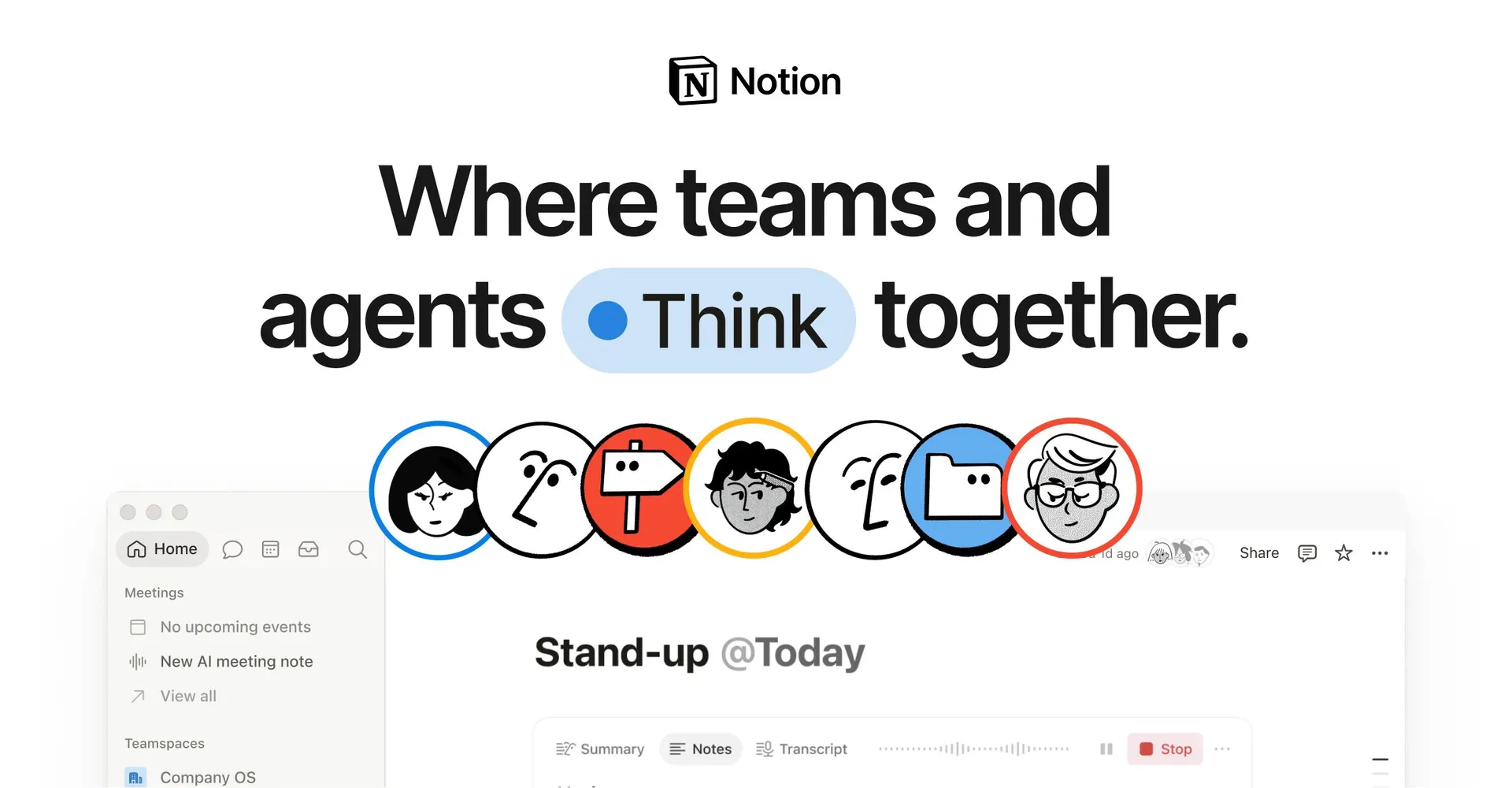
Notion AI integrates LLM capabilities directly into Notion's all-in-one workspace. It operates across three primary functional modes: Ask (context-aware workspace and web search across linked tools like Slack, Google Drive, and GitHub), Write (in-line drafting, tone adjustments, summarizing, and translation), and Build (automated database generation and AI Autofill properties). Modern enterprise tiers also support AI Meeting Notes with real-time audio transcription, Enterprise Search, and Custom Agents for automated background workflows.Read full overviewCollapse overview
Notion AI integrates LLM capabilities directly into Notion's all-in-one workspace. It operates across three primary functional modes: Ask (context-aware workspace and web search across linked tools like Slack, Google Drive, and GitHub), Write (in-line drafting, tone adjustments, summarizing, and translation), and Build (automated database generation and AI Autofill properties). Modern enterprise tiers also support AI Meeting Notes with real-time audio transcription, Enterprise Search, and Custom Agents for automated background workflows.
Last checked2026-09-19
01 — OUR TAKE
Who and what it suits
Notion AI provides built-in generative text, search, and workflow automation directly within Notion pages and databases. Unlike standalone chatbots, its core value lies in context-aware retrieval across workspace notes and connected external services (Slack, Google Drive, Jira, GitHub). Subscriptions range from free/trial tiers to paid Plus ($10/user/mo billed annually) and Business ($20/user/mo) plans, where advanced features like unlimited AI access, Enterprise Search, and AI Meeting Notes become available. Users should note that web search features depend on chosen model modes, and external action automation via agents requires careful policy and permission setup.
Best for
- Teams seeking unified doc writing, task tracking, and database automation in one platform
- Knowledge workers managing large internal wikis, research notes, and meeting summaries
- Project managers aiming to automate database updates, action-item extraction, and status tagging
- Organizations needing cross-tool contextual search across Slack, Google Drive, GitHub, and Notion
Not ideal for
- Users needing full offline desktop functionality without internet dependency
- Teams looking solely for a general-purpose conversational chatbot without workspace data integration
- Privacy-sensitive teams requiring zero data retention without subscribing to Enterprise-level plans
What stands out
- Native workspace context awareness that queries documents, databases, and connected tools
- Seamless in-page editing and database autofill without context-switching or manual copy-pasting
- Multi-model flexibility with access to LLM options (Claude, GPT series) depending on plan tier
- Integrated productivity tools including AI Meeting Notes with audio transcriptions and Custom Agents
What to consider
- Full AI access and advanced connectors require upgrading to Business ($20/user/mo) or higher tiers
- Offline mode capabilities are constrained; AI retrieval and generation require live network connectivity
- Enterprise Search and automated agents rely on proper workspace database permissions and source accuracy